01
Laptop and desktop diagnostics
Diagnostico de laptop y desktop
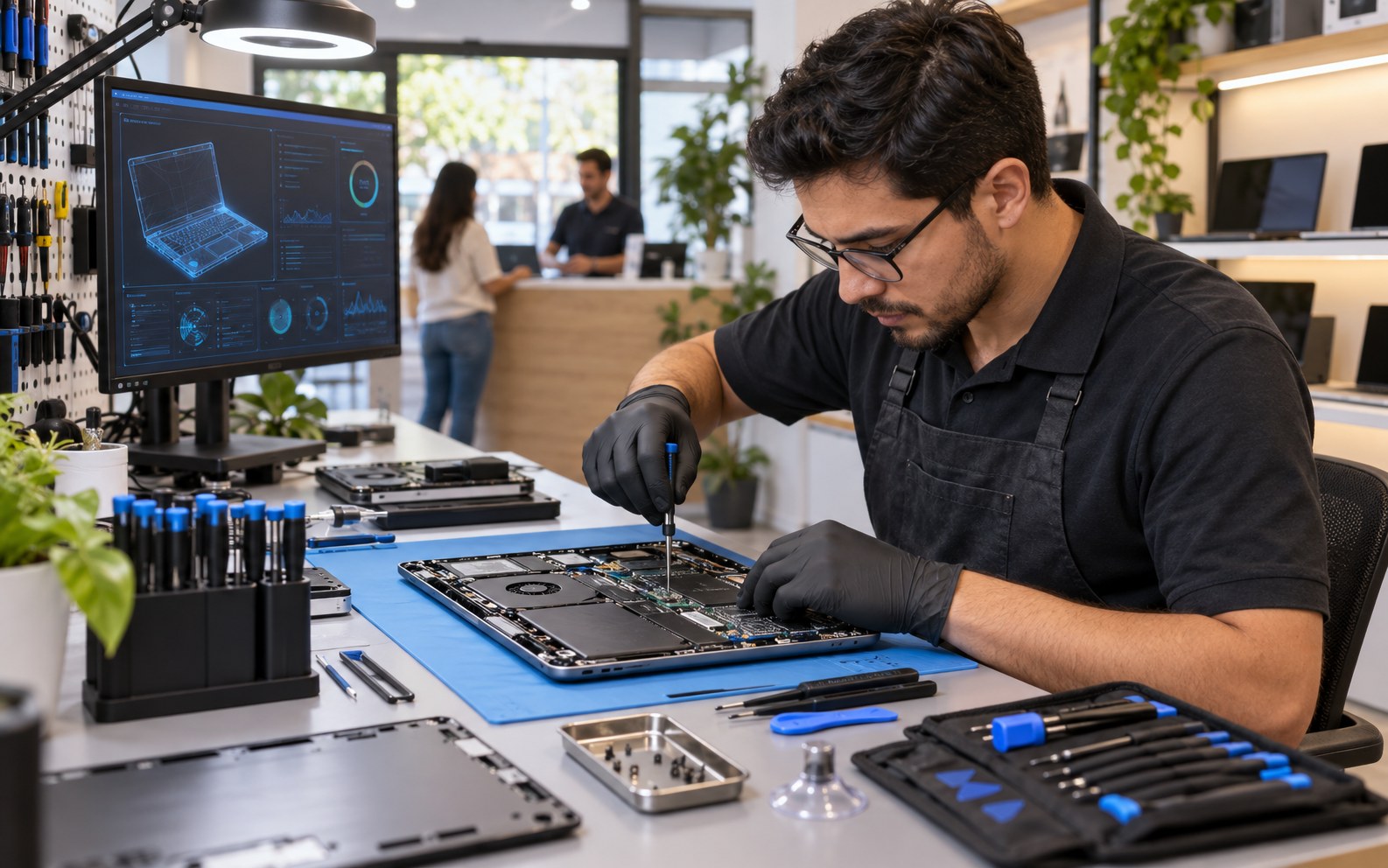
Circuit Bench explains the issue, quotes the repair path, and keeps customers updated before the device goes back home.
Prepare your questions
Circuit Bench gives customers a clear way to explain the problem, request diagnostics, review repair options, and approve the next step.
Explore the service details
Diagnostico de laptop y desktop
Pantallas, baterias y piezas
Malware y mantenimiento del sistema
Soporte para equipos de negocio
Process
Send the request and basic details
Envia solicitud y detalles basicos
Review fit, timing, and priorities
Revisamos ajuste, tiempo y prioridades
Receive the right next step
Recibe el proximo paso correcto
Confirm the service path and follow-up
Confirma servicio y seguimiento
01
Revision diagnostica
02
Ruta de aprobacion
03
Cuidado de equipos
Circuit Bench Computer Repair | Computer Repair
Puedo preguntar antes de reservar?
Atienden clientes en espanol?
Sirve para un negocio pequeno?
A fictional Yellow Pages of AI example. Identity, services, prices, hours, and images are samples. Images are illustrative and do not document completed work. Actions stay on this page.
Back to catalogSend the device issue and Circuit Bench will map the diagnostic, repair, or business support path.
Check the relevant system or service, note what has changed, and keep model details or photos ready.
Compare device model, symptoms, backup status, and prior repairs.
Note your questions about scope, options, and terms.
Bring your preferences together for a conversation with the business.
A concise symptom description, location, model, and any relevant photos help explain the request.
You can explore options and prepare a selection or inquiry on this page. Actions stay local: they do not send data, reserve a time, or process payment.